


01
Choose a dance template
Preview the routine and load its prepared reference and photo roles into the workspace.
AI DANCE GENERATOR
Choose a dance, add your photos and create your own video. You can also bring a motion clip of your own.
Create freelyCreations from this workspace appear here.
Watch where the lead steps and how wide the shot is. Choose a scene that works with your performer photo.
An AI dance video generator combines a character photo and a movement reference to create a new clip. The image supplies the appearance you want to use, while the reference gives the model a visible performance to follow. A ready-made template offers a starting scene and identifies the photo roles; a compatible custom workflow lets you bring your own motion clip. To make a photo dance, choose a routine whose framing fits the image you have. A close portrait can suit a small upper-body gesture; a full-body dance benefits from a photo that shows the hands, legs and shoes. Preview the action all the way through and check each required role before submitting. The generated performance is a new interpretation. Faces, clothing, backgrounds and timing can change with the model and your inputs. The comparisons on this page are community examples provided as inspiration, and are not videos generated with Dance Generator.
The available inputs and settings depend on the selected model and template.
Step 1
Browse the dance templates, preview a performance and choose Recreate. To use a different action, exit the template and upload your own supported motion video.
Step 2
Add the photos requested for the selected roles. Review the available model and settings, then check the displayed credit estimate.
Step 3
Sign in and generate. When your AI dance video is ready, play it through in My creations, inspect the movement and download the version you want to keep.
Choose an existing performance or bring a movement reference of your own.
01
Preview the routine and load its prepared reference and photo roles into the workspace.
02
Upload a supported motion video and photos when you want to start with a different action.
03
Play the result through and check the face, hands, feet and changes in framing.
The community examples illustrate possible performances; your result depends on your photos and settings.
Stage choreography
01
Choose a solo routine and a photo that shows the body parts involved in the movement.
02
Check the labeled roles in a group scene and prepare the required photos separately.
03
Select a prepared scene with the camera and background that suit your idea.
Use a photo and a movement clip that make the intended action easy to see.
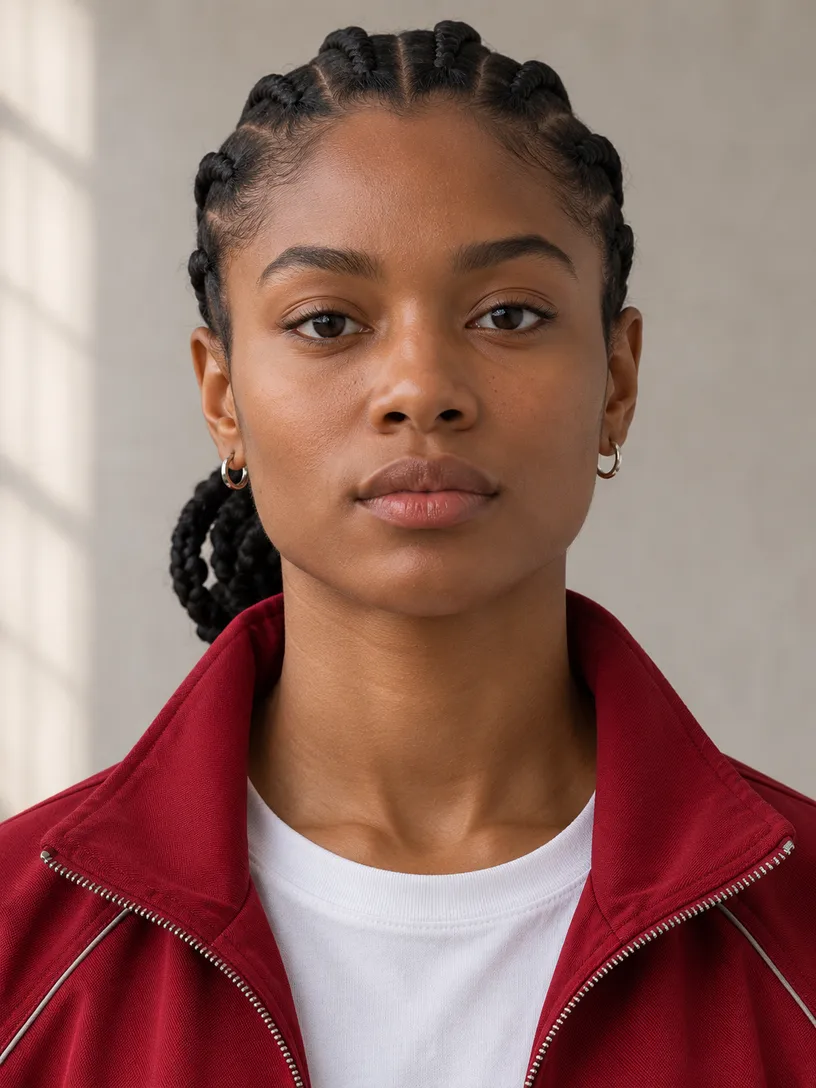
For a full-body dance, keep the face, hands and feet visible with some space around the dancer.
Recommended
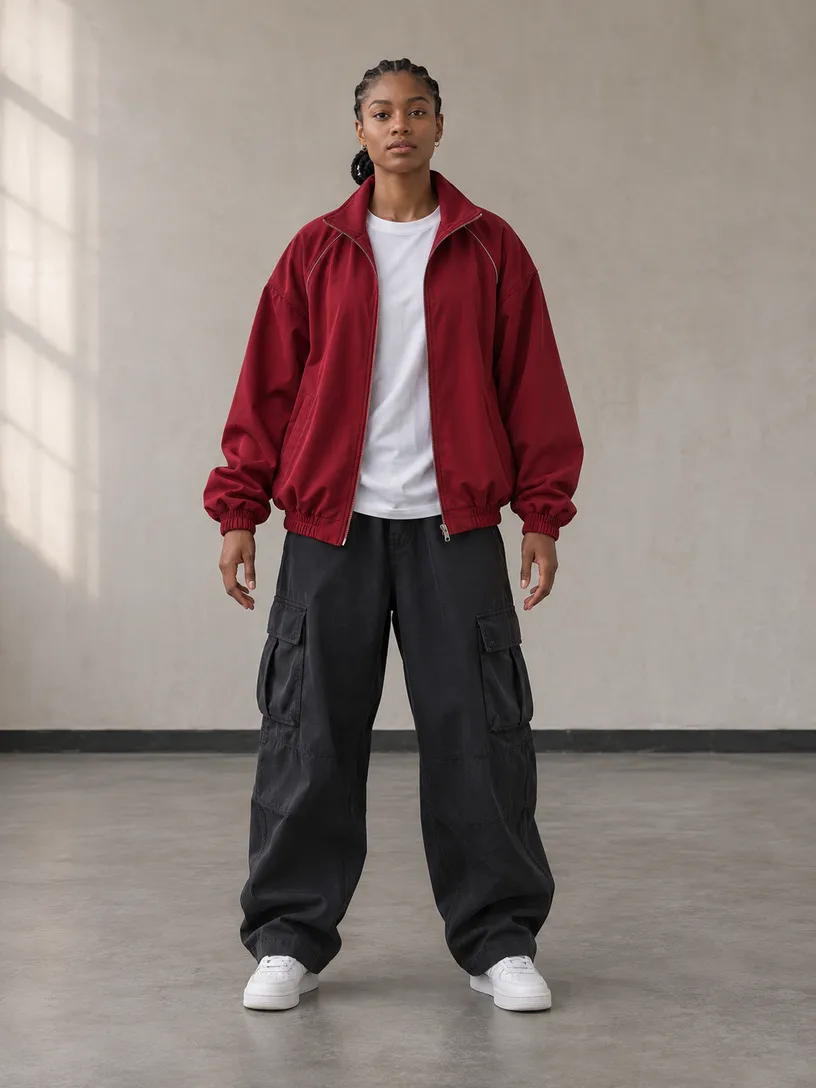
Avoid
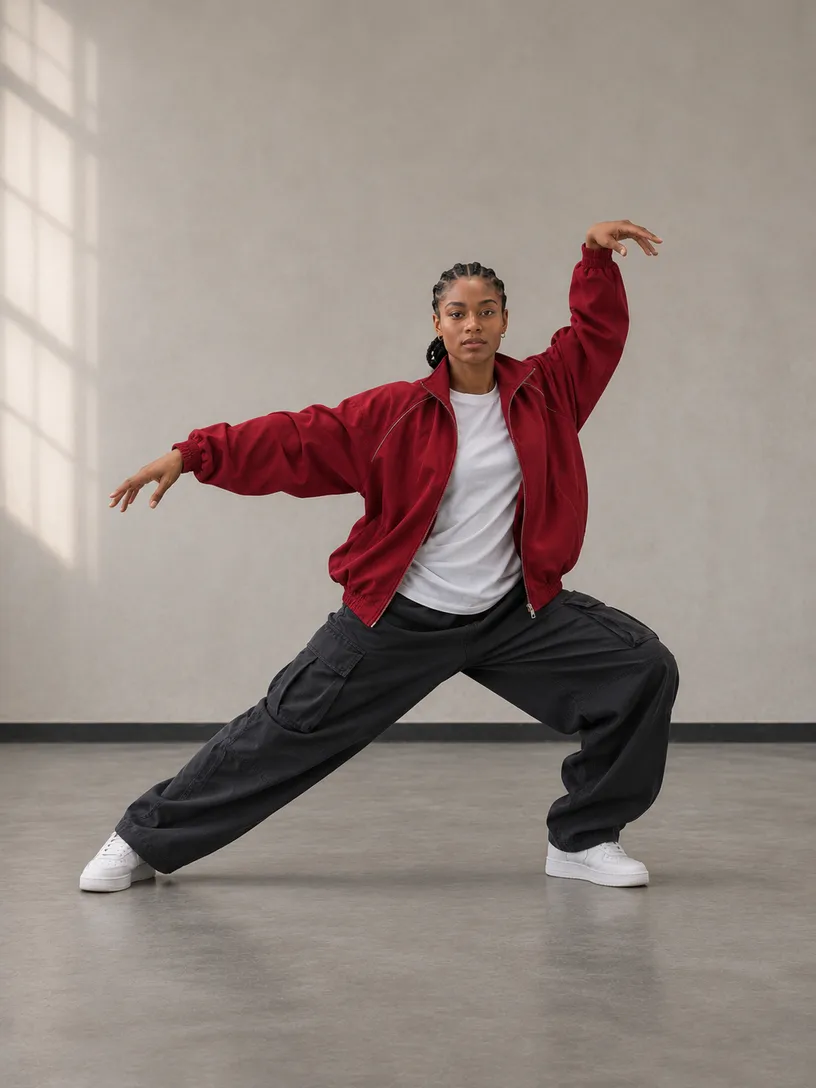
Choose a continuous performance where the main dancer and moving limbs stay visible.
Recommended
Avoid
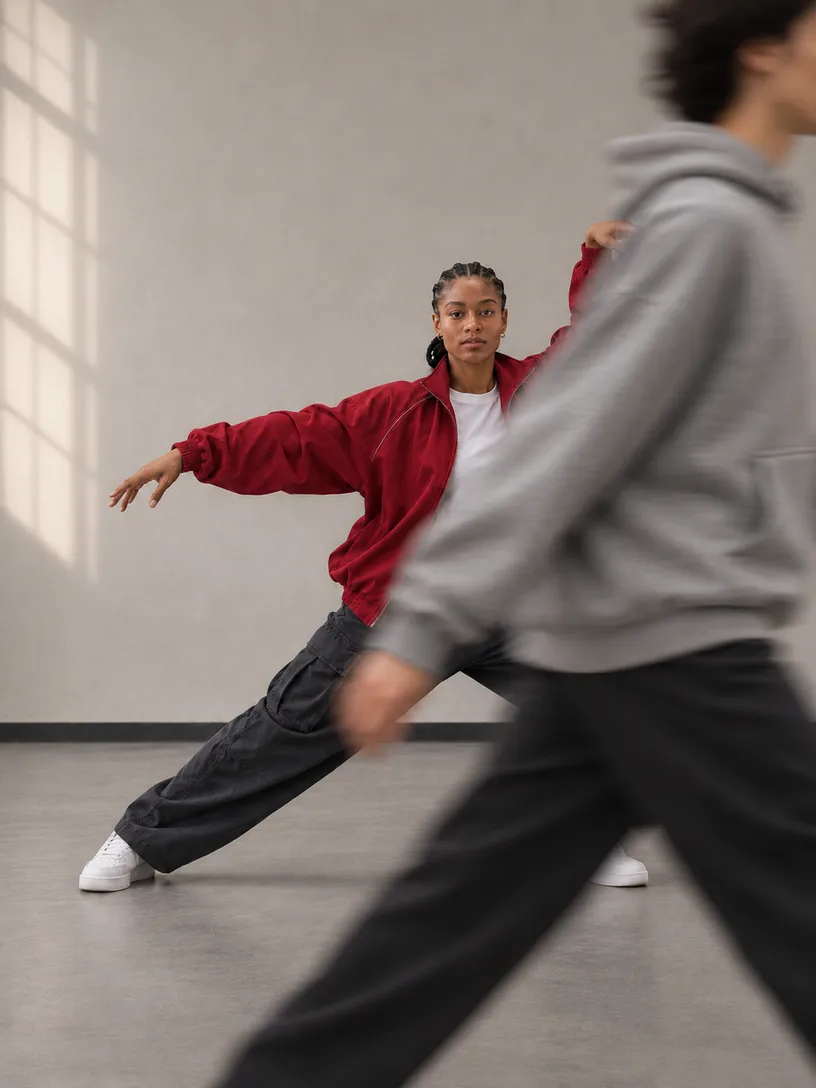
Watch the reference from beginning to end and trim unrelated footage before uploading.
Compare recurring plans with one-time credits for your next performance.
For occasional clips and rehearsal takes.
$218.9 charged yearly
10,080 credits/year
Up to 1,680 images
Up to 560 videos
For creators releasing routines regularly.
$410.9 charged yearly
21,600 credits/year
Up to 3,600 images
Up to 1,200 videos
For a series with multiple looks and alternate takes.
$593.4 charged yearly
43,800 credits/year
Up to 7,300 images
Up to 2,433 videos
Explore the workspace with a first take in mind.
Prices in USD; taxes and total shown at checkout. Subscriptions renew automatically; cancel in Billing settings. Subscription credits expire each period; one-time credits never expire.
Refunds: request within 72 hours. Used purchased credits and applicable non-refundable processing costs (up to 6%) are deducted. Terms · Refund Policy
What to prepare, how templates work and what to check in your video.
The selected image guides the appearance of a subject in the video. A motion reference supplies a performance for the model to interpret. Results can vary, so review the character throughout the clip.
Yes. Exit any selected template, choose a model that supports a motion reference, and upload a compatible video and the required photo. The form shows the available limits for that model.
Choose a clear, well-lit image with the face, arms, legs and feet visible. Leave room around the body and avoid other people covering the subject. A close headshot does not show the clothing or limbs needed for a wide performance.
A prepared template loads its own motion reference. Preview it before selection and add the photos requested for its roles. For a custom routine, upload a suitable video in a compatible free-creation mode.
Some templates provide more than one subject role. Open the template to see which photos are required or optional, then upload an appropriate image for each role. The number of people visible in a preview does not guarantee that every person can be replaced.
The permitted duration depends on the selected model. The motion video field shows its range; trim the recording to a continuous action and review it before submitting.
Sound options and original audio behavior vary by template and model. Check the selected settings and listen to the finished result. Use music and footage you have permission to use before publishing.
The workspace displays an estimated credit amount before generation. The model, duration and selected settings can affect the estimate. You can browse and preview templates before choosing whether to create.
The reference guides the action but does not guarantee an identical performance. Check fast turns, overlapping hands and feet, changes of camera angle and moments where the dancer leaves the frame.
Try a clearer full-body photo or a simpler reference with less obstruction. Change one input at a time, then compare the new video with the earlier result. Another generation can use additional credits.
Choose a template that supports the subject and follow its photo-role instructions. Results depend on the model and input; inspect the whole clip for changes in shape and movement.
Open My creations or your account history to review completed jobs. Play the clip before downloading and check the permissions for the people, images, footage and audio you plan to share.
Choose a dance, add your photos and create your own video. You can also bring a motion clip of your own.